Use Smart Scroll
Let the teleprompter follow your voice at your natural pace.
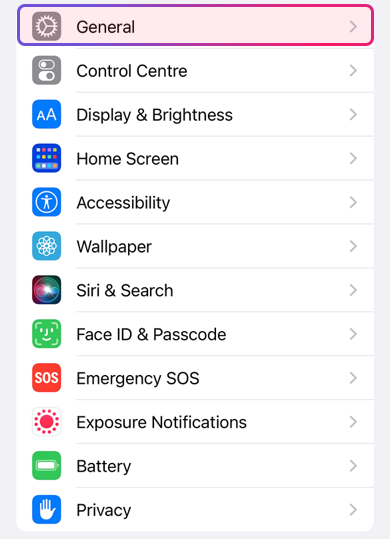
You can find the feature in your “Settings” in the category “General” and activate it under “Keyboard” with “Enable Dictation”.
Settings → General → Keyboard
To add different languages follow these steps:
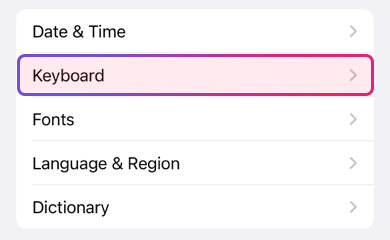
Add the language you want from "Keyboards" → "Add New Keyboard...":
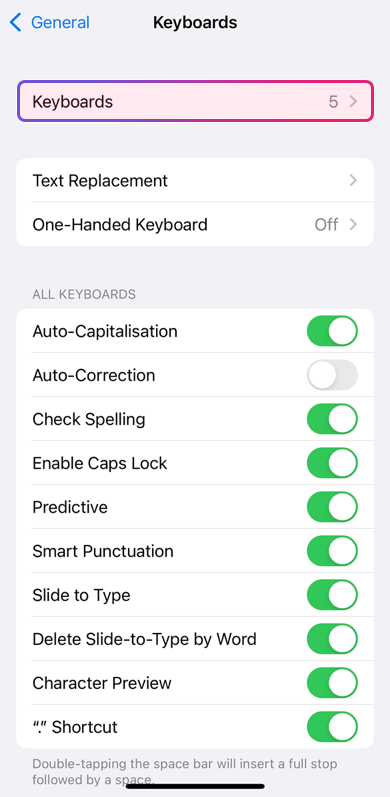
This will take a couple of minutes and take up some space on your device, which is why we recommend enabling it only if needed – or if the available device storage space allows for it.
Next, scroll down the screen and go to "Dictation languages". Here you will see the languages already downloaded to your device.
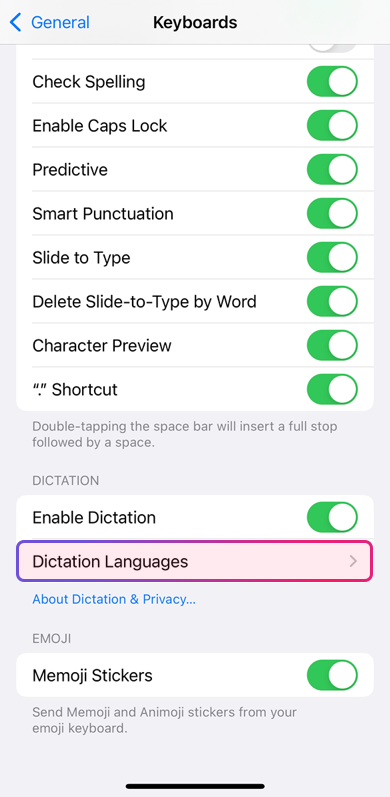
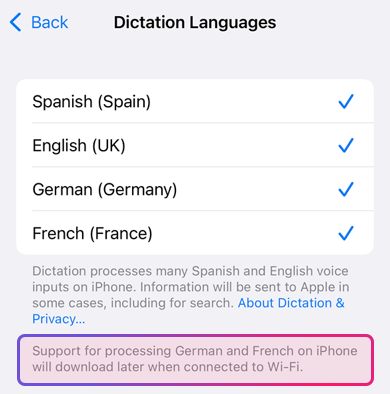
After adding a new language, iOS downloads it when the system is ready.
Once downloaded, return to Autokue, allow microphone and speech recognition access when prompted, then choose the language for Smart Scroll.